VP+KPID TECH VP3300 + KwickPhone
On the roadmap
Card reader · ID TECH VP3300

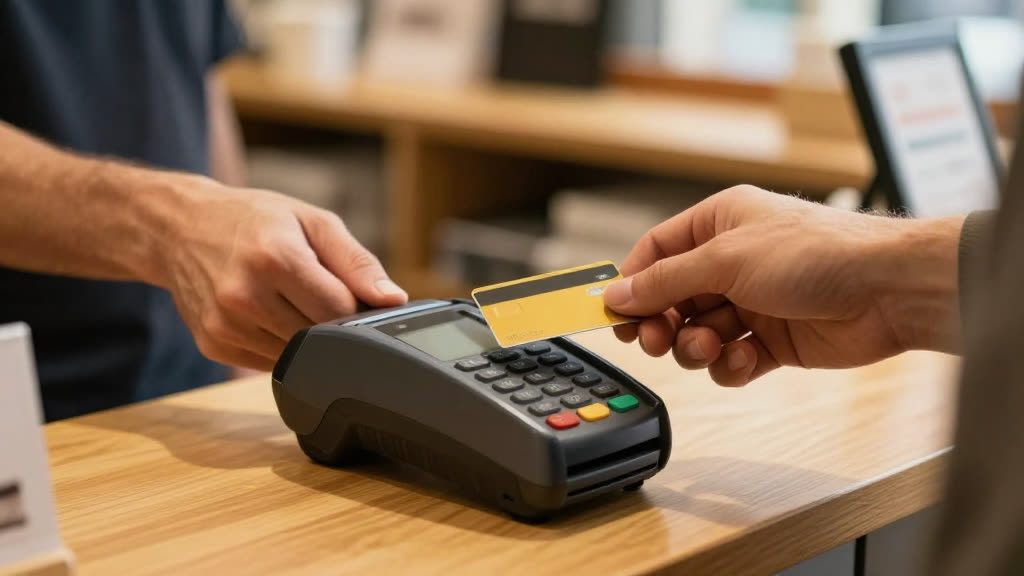
Take chip, tap & swipe in person, with ID TECH VP3300.

Add an in-person EMV card reader to KwickPhone. ID TECH VP3300 accepts chip, contactless tap and swipe at the counter or on the go — encrypted and PCI-ready — right alongside the AI that takes payment on the phone.

Answers 24/7English & SpanishPCI-compliantNo new hardware
The ID TECH VP3300 integration is on our roadmap. KwickPhone answers the call and takes the order today — the direct push into ID TECH VP3300 is in build. Request early access → and we’ll prioritize it.
A real ID TECH VP3300 business taking a call while KwickPhone answers
What you’ll need

Get your ID TECH VP3300 details ready

Connection type: API credentials

  • ID TECH VP3300 API credentials — typically an API key or OAuth login from your ID TECH VP3300 account

We confirm the exact ID TECH VP3300 fields with you during setup.

How it works

In-person payments with ID TECH VP3300.

01

Answers every call

24/7, on the first ring, in English or Spanish — while you run the floor or work the job.

02

Tap, chip or swipe

ID TECH VP3300 reads EMV chip, contactless tap, and magstripe — encrypted end to end (P2PE-ready).

03

Settles with your gateway

Payments flow through your KwickPhone payment gateway (e.g. CyberSource) to your account — one record, in-person and on the phone.

EMV chip & tapMagstripeUSB & BluetoothEncrypted
In practice

It's the Friday lunch rush and a regular calls to place a pickup order while your counter staff is slammed with in-store customers. KwickPhone takes the order over the phone, confirms the items and total, and offers the caller the choice to pay now by phone or pay at the counter when they arrive. When the customer opts to pay in person, KwickPhone marks the order as unpaid-on-pickup and stages the exact total, so when they walk up your staff taps the amount into the ID TECH VP3300 reader for a chip, tap, or swipe. The card capture happens on the ID TECH VP3300 device, the payment is matched back to the phone order, and the ticket closes out without anyone re-keying the total or the items.

Part of the 319-app KwickPhone platform

ID TECH VP3300 is one connection — KwickPhone is also running POS, Online Order Page, Deposits & Holds, Tips & Gratuity and Pay-by-Text Invoices for the same business, all from the one phone number.

POSOnline Order PageDeposits & HoldsTips & GratuityPay-by-Text Invoices

Questions

What can the ID TECH VP3300 reader do?
ID TECH VP3300 accepts EMV chip, contactless tap and magstripe in person, encrypted end to end — alongside KwickPhone taking payment on the phone. Both settle through your payment gateway.
Can it take payment on the call?
Yes — fully PCI-compliant. It charges a card on file or takes a new one, and no one reads a card number out loud.
How long does setup take?
Minutes. Sign up yourself and set it up by talking — no website or typing required.
Where is the actual card data handled, and what does KwickPhone store?
Card entry happens entirely on the ID TECH VP3300 hardware, and the card number is encrypted at the read head before it leaves the device. KwickPhone stores the order details, the amount, and the transaction reference returned after the charge, not the raw card data. This keeps the card-present flow within ID TECH VP3300's and your processor's PCI scope rather than expanding it into the phone system.
What happens to phone orders if the ID TECH VP3300 reader or its connection is down?
KwickPhone still takes the full order and total over the phone; the reader only matters at the point of in-person payment. If a ID TECH VP3300 device is unresponsive at the counter, the order remains staged as unpaid so your staff can retry on another reader or fall back to your standard POS. No order is lost because payment capture and order intake are separate steps.
Can we use different ID TECH VP3300 readers at multiple locations under one account?
Yes. Each staged phone order can be paid at whichever location the customer picks up from, and each ID TECH VP3300 device is tied to that location's terminal setup. The order routing and totals stay consistent across sites, so a reader at one store closes out an order taken for that store without cross-location mix-ups.
What is not automated in this integration?
The physical act of tapping the amount and presenting the card on the ID TECH VP3300 reader is done by a person at the counter, by design, since card-present transactions require the card to be there. KwickPhone stages the amount and matches the result, but it does not initiate the charge on the device or handle tips, refunds, or partial captures on the reader. Those are done through your normal ID TECH VP3300 and processor workflow.
Add the ID TECH VP3300 reader to KwickPhone.